BFCM order limits should protect high-risk products without restricting every cart. During BFCM 2025, Shopify merchants generated $14.6 billion in global sales, with sales peaking at $5.1 million per minute. In that kind of rush, a few bulk buyers, resellers, or automated checkouts can drain limited stock before genuine customers get a chance. But limits that are too strict can also block shoppers buying several gifts.
The right rule should match the product, promotion, normal order size, and available stock. This guide explains how to choose, communicate, and enforce fair limits that protect inventory without adding unnecessary friction.
The BFCM stock problem is concentration, not only demand
Inventory planning usually asks, “How many units will we sell?” During BFCM, merchants also need to ask, “How many units could a small number of buyers take?”
The distinction is easy to miss. Suppose you allocate 600 units of a discounted product to the weekend. If most shoppers buy one or two, that inventory could serve hundreds of customers. If 20 buyers each order 20 units, two-thirds of the allocation disappears in 20 transactions. The store may hit its revenue target, but the promotion reaches far fewer people than intended.
That can cause several problems at once. A loss-leader discount subsidizes resellers, free gifts collect in a few carts, and paid campaigns keep sending visitors to a sold-out hero product. Support teams then spend the weekend reviewing suspicious orders, cancellations, and complaints.
Standard inventory tracking helps prevent overselling, but it does not decide how stock should be distributed. It answers whether a unit is available, not whether one person should buy 30.
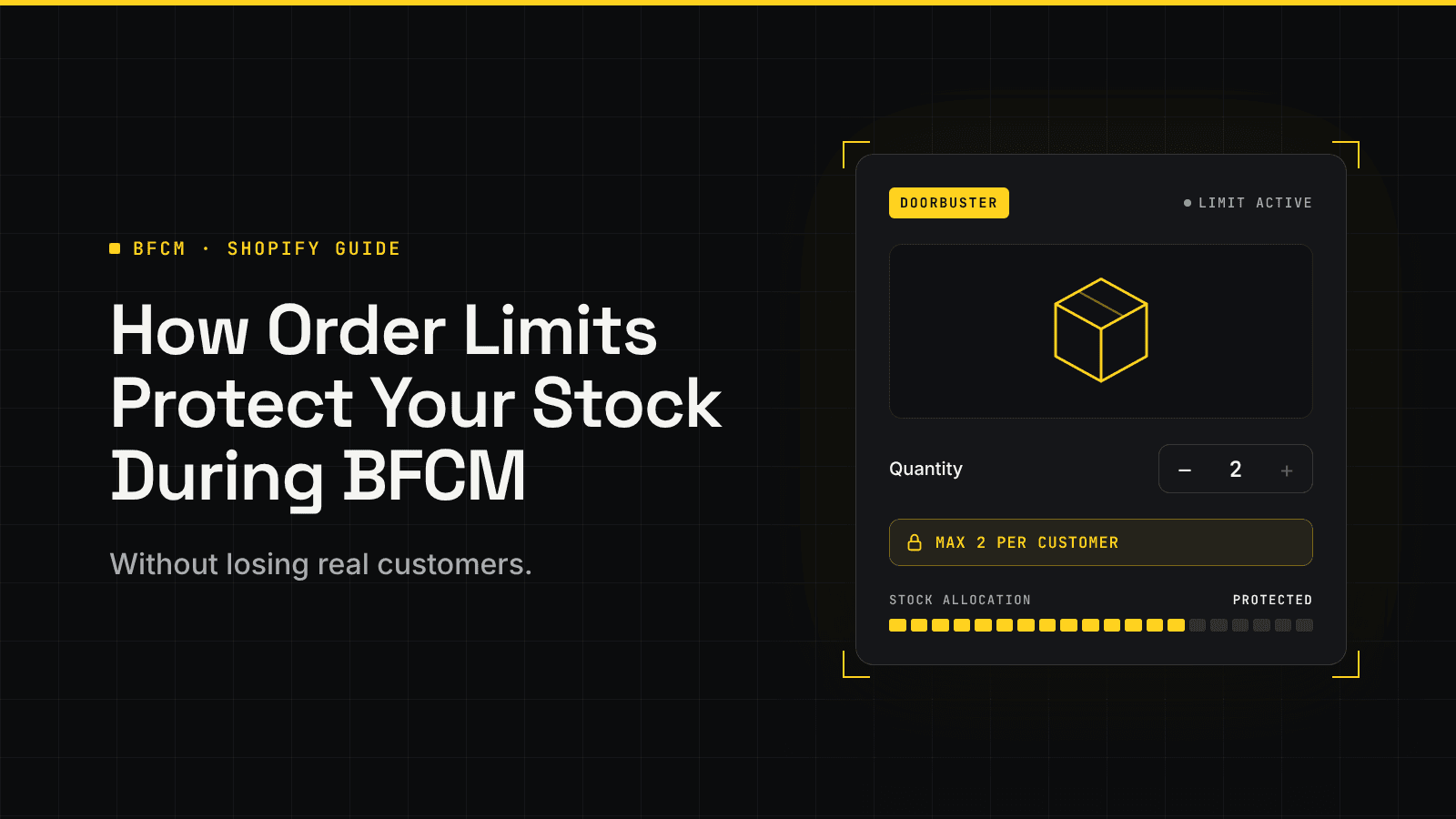
Order limits add that missing allocation rule. A two-unit maximum does not create more inventory; it controls how quickly and unevenly stock can be consumed.
What do order limits do during BFCM?
An order limit defines an acceptable purchase based on quantity, value, time, customer, or another condition. For BFCM inventory protection, the most useful rules are maximum quantity limits.
The scope of the rule changes what it can prevent:
| Limit type | Best use during BFCM | Main weakness |
|---|---|---|
| Per cart or order | Stops one unusually large checkout | The buyer can place another order |
| Per customer per day | Spreads daily promotional stock across more buyers | Guest identity and repeat-order handling need testing |
| Per customer for the event | Protects a limited drop or loss leader across the whole weekend | Can block legitimate repeat gifts or household purchases |
| Product-level | Caps all variants of one product together | May be too broad when variants have separate allocations |
| Variant-level | Protects a scarce size, color, or edition | A buyer may purchase the cap in several variants |
| Collection-level | Covers a group of promotional items with one policy | Can restrict mixed carts more than intended |
| IP-based | Adds resistance when buyers create new accounts or orders | Shared networks can include several genuine customers |
Order limits are not the same as bot protection. A quantity rule can restrict how much reaches the checkout, but it does not prove whether the buyer is human. Shopify’s native bot protection for flash sales is a separate Shopify Plus feature designed to slow auto-checkout bots and give customers a fairer opportunity to purchase scarce products.
Limits do not replace accurate stock counts, forecasting, fraud review, or fulfillment planning. Inventory tracking prevents overselling, limits manage allocation, bot protection addresses automation, and fraud tools assess payment or order risk.
Which products should have BFCM order limits?
The safest approach is selective. If every item has the same strict cap, the store may suppress healthy basket growth on products that were never at risk. Start with products where the cost of concentrated buying is unusually high.
Doorbusters and loss leaders
A deeply discounted item is meant to attract shoppers. If one buyer takes 50 units, the store absorbs the promotional cost without getting the intended reach. A low cap is reasonable when reach is the offer’s purpose.
Limited editions and high-demand drops
Collectibles, event merchandise, limited colors, and collaborations can draw resellers. They may need a customer- or event-level limit because repeat checkouts can bypass a per-order rule.
Free gifts and near-free add-ons
If a gift supports acquisition or loyalty, one per customer or qualifying order may make more sense than letting the quantity grow with every qualifying item.
Products with constrained replenishment
Imported, handmade, seasonal, and long-lead-time products may need more protection than stock you can replenish quickly.
Promotional inventory shared across channels
When online, retail, marketplace, and wholesale orders draw from the same stock, a BFCM rush on one channel can create problems elsewhere. A cap can preserve part of the allocation while the team monitors demand.
Do not automatically cap evergreen products, digital goods, made-to-order items, or inventory with ample depth. Giftable products also need care: three candles, six pairs of socks, or four skincare sets may be normal holiday behavior. A restrictive rule on those items can block exactly the customers the campaign was designed to attract.
How to set BFCM order limits without hurting conversion
The best cap is not a round number chosen from instinct. It should reflect how genuine shoppers already buy and how widely you want the promotion distributed.
1. Find the normal upper edge of customer demand
Pull quantity-per-order data for each SKU candidate. Use comparable periods where possible: last year’s BFCM, a recent flash sale, a product launch, or another promotion with a similar discount.
Do not look only at the average. If most buyers purchase one unit but gift buyers commonly purchase four, an average near one may lead to an unnecessarily low cap. Review the distribution and identify the quantity that covers roughly 95% of ordinary orders. Then inspect the orders above that point. Some may be loyal customers or small wholesale buyers, while others may be obvious bulk purchases.
That review gives you a behavior-based starting point. If 95% of genuine retail orders contain four units or fewer, a cap of four or five is easier to defend than an arbitrary limit of one.
2. Check the inventory coverage you want
Next, work backward from the number of buyers you hope to serve:
Coverage cap = promotional inventory ÷ target number of unique buyers
If you have 600 units and want at least 200 customers to have a realistic chance to buy, the coverage cap is three units. Compare that number with normal behavior.
If the coverage cap is three but ordinary gift buyers frequently purchase four, there is no perfect setting. You need to choose among a tighter cap, a larger allocation, a smaller discount, or a shorter promotion. The calculation exposes the trade-off before customers encounter it.
3. Match the time window to the risk
A per-order cap is appropriate when the main concern is accidental or impulsive bulk buying. A per-day limit is stronger when you are releasing a daily allocation. A lifetime or event-wide limit is more suitable for a one-time drop, free sample, or heavily subsidized doorbuster.
Avoid using a permanent lifetime limit for a temporary BFCM problem. Schedule the rule around the promotion and define when normal purchasing resumes.
4. Apply the rule at the right level
Choose carefully between variant, product, and collection limits. A variant cap of two could still allow a shopper to buy two units in every color. A product-level cap counts those variants together and may better match the policy. A collection-level cap is useful for “choose any three from this drop,” but it can be frustrating if shoppers reasonably expect to buy from several products in the group.
5. Create exceptions before launch
Some high-quantity orders are valuable, not abusive. Wholesale customers, corporate gifting buyers, schools, event planners, and long-term retail partners may need a separate path.
Use customer tags, B2B company rules, a wholesale catalog, or a manual sales contact to give these buyers an appropriate limit. For wholesale accounts, that usually means a minimum order quantity and case-pack multiples instead of a retail maximum. Publish that route before the sale. A message such as “Need more than six for a team or event? Contact us for a bulk order” protects the retail allocation without discarding a legitimate lead.
Make the limit feel fair before the shopper reaches checkout
Even a fair order limit can frustrate shoppers if it appears without warning at the payment stage. Shopify recommends telling customers what the restriction is, why it applies, and how they can still place an order. Show this information on the product and cart pages so any checkout message acts as a final safeguard rather than an unexpected barrier.
- Tell shoppers early: Display the limit near the price, quantity selector, or promotion details, then repeat it in the cart.
- Be specific: Replace a vague message like “Limit 2” with “Maximum 2 per customer during our BFCM sale.” Mention whether variants count together and when daily limits reset.
- Explain the reason: A short message such as “We’re limiting purchases to two per customer so more shoppers can access this release” feels fair without treating everyone like a reseller.
- Help customers fix the issue: Say what they need to change: “This offer is limited to 2 per customer. Remove 1 item to continue, or contact us for a bulk order.”
- Remove limits when they are no longer needed: Use restrictions only for genuine inventory, margin, fairness, or operational reasons. Turn them off when the promotion or constraint ends.
How can Shopify merchants set up order limits for BFCM?
Shopify now includes a storewide add-to-cart limit. In Settings > Checkout > Advanced preferences, merchants can set a maximum quantity per item. Shopify recommends a value based on order history for stores with more than 250 sales; stores with fewer sales receive a default recommendation of 50.
The setting is useful when you want one broad ceiling across the store, especially to prevent a cart from revealing how much inventory remains. But there are important boundaries. According to Shopify’s add-to-cart limit documentation, the limit applies to each variant independently, applies across products and customers, and has exceptions including some B2B, POS, draft-order, untracked-inventory, and continue-selling scenarios.
The native setting may be enough for a global safety cap, but not for a targeted policy such as:
- Maximum two units of one doorbuster per customer for the whole weekend
- Maximum one free gift per day or a cap across all variants
- Different limits for retail and wholesale customers
- A scheduled rule for a specific collection
- A response to repeat attempts from the same IP address
For those cases, use a compatible cart and checkout validation app. Shopify explains that these apps can enforce conditions such as product quantity at checkout, helping prevent an invalid order rather than only displaying a storefront warning.
Managing targeted rules with P: Order Limits Quantity
P: Order Limits Quantity is one option when the native global setting is too broad. It can apply minimum or maximum limits to selected variants, products, or collections, with per-order, per-day, and lifetime limits.
For BFCM, the practical value is control over scope and enforcement. Merchants can schedule rules for a sale, target customers or markets, show custom messages on product, cart, and checkout surfaces, and enforce limits at checkout. Every feature is included in the app’s single plan, so you don’t need to upgrade to unlock a specific rule type.
Use only the features your policy requires. A two-unit product cap with a clear message is often better than stacking several restrictions shoppers cannot understand. Plan availability can change, so confirm the current feature and pricing details on the app listing before installation.
Build a rule plan for each BFCM product type
The following starting points are examples, not universal settings. Replace the quantities with numbers from your own order history and stock plan.
| BFCM offer | Possible starting rule | Customer-friendly exception |
|---|---|---|
| Deeply discounted doorbuster | Maximum 2 per customer for the event | Separate bulk-order inquiry at regular pricing |
| Limited-edition drop | Maximum 1–2 per customer, counted across variants | Manual review for verified special cases |
| Giftable core product | Maximum based on the upper range of normal holiday orders, often higher than a doorbuster | Corporate gifting form or customer tag |
| Free gift | One per customer or qualifying order | None unless the campaign terms allow it |
| Daily promotional allocation | Per-customer daily cap with a published reset time | Let shoppers return after the reset |
| Wholesale case pack | Minimum and multiples for tagged B2B buyers; a separate retail maximum | Dedicated B2B rule or catalog |
Also decide what happens when the product approaches low stock. You might tighten the cap, stop the discount, remove the product from paid campaigns, substitute another featured item, or let it sell out. Make that decision in advance so the team does not improvise under pressure.
Monitor whether the limit protects stock or blocks revenue
The first setting does not need to remain untouched all weekend. Watch customer behavior and inventory together. Useful signals include:
- Units sold per unique customer
- Number of blocked or corrected carts
- Product-page-to-cart and cart-to-checkout conversion
- Checkout errors related to the limit
- Sell-through pace by hour
- Support contacts about bulk, gifting, or limit confusion
- Repeat attempts across accounts or orders
Interpret the signals together. Many blocked attempts may show that the rule is stopping bulk buying, or that the product page failed to explain the cap. A sharp conversion drop with little suspicious activity may mean the cap is too low.
Assign one person to approve changes and keep a log of what changed, when, and why. During BFCM, several team members editing rules independently can create conflicting limits and confusing customer messages.
After the event, compare the affected products with similar uncapped items. Review unique buyers, sell-through timing, cancellations, support volume, repeat purchases, and margin. That evidence will give you a better starting point for the next launch than copying this year’s round number.
Final words
BFCM order limits should do more than slow down large carts. Used carefully, they give genuine customers a fair chance to buy while preventing a few bulk orders from draining limited stock.
The best limit is one shoppers can understand before checkout and your team can support with real purchase data. Protect access first, and a fast BFCM sellout can become something more valuable: a fair promotion that reaches more people and gives them a reason to return.
Frequently asked questions about BFCM order limits
Can a customer bypass a per-order limit?
Yes. A buyer can often place a second order unless the rule also checks the customer across a day, month, or lifetime window. Stronger identity or IP-based controls add resistance but can create false positives, so use them only where the inventory risk justifies the friction.
Is Shopify’s built-in add-to-cart limit enough for BFCM?
It can be enough when one storewide, variant-level maximum fits your needs. Use a more targeted validation app when different products need different caps, several variants should count together, the rule must apply per customer over time, or checkout needs to enforce a scheduled promotion policy.
Should limits apply per product or per variant?
Use a product-level cap when the policy should cover all sizes, colors, or editions together. Use a variant-level cap when each variant has its own inventory allocation and buying the cap in several variants is acceptable. Test mixed-variant carts before launch.
Will order limits stop bots and scalpers?
They reduce how much a successful buyer can take, but they do not identify every bot or prevent someone from trying multiple identities. High-risk drops may need layered controls that include Shopify Plus bot protection, customer-level limits, checkout validation, fraud review, and manual monitoring.
When should BFCM limits be removed?
Remove or relax a temporary cap when the promotion ends, the inventory constraint changes, or the remaining stock no longer needs protection. Schedule the end time where possible, and verify that normal purchase behavior resumes after the rule turns off.